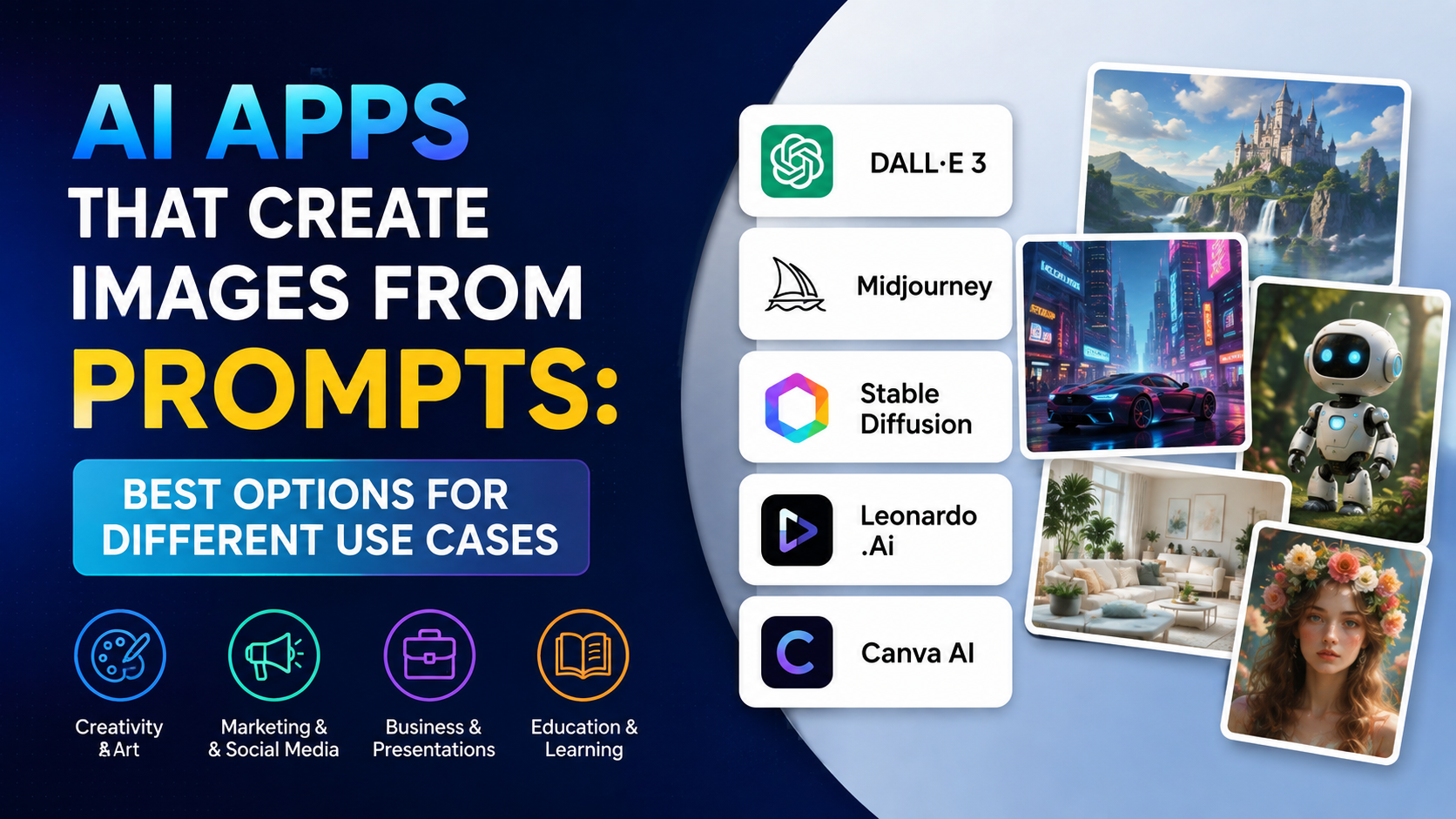
An AI app that can create images from text turns a written instruction—called a prompt—into an original visual. You can describe a product scene, festival poster, classroom illustration, social-media creative, or concept art, then refine the result through follow-up instructions.
For most individuals and small businesses in India, the practical choices include ChatGPT Images, Google Gemini Apps, Adobe Firefly, Midjourney, and Stability AI's Stable Assistant. The best option depends less on a single "best" model and more on your workflow: conversational editing, design controls, reference images, brand use, or visual experimentation.
Key Takeaways
- Text-to-image AI converts a written prompt into a new image by learning visual patterns from large training datasets.
- ChatGPT Images, Gemini Apps, Adobe Firefly, Midjourney, and Stable Assistant can all create visuals from text, with different controls and policies.
- Strong prompts specify the subject, action, setting, style, lighting, composition, and output format.
- Generate a first draft, then make focused edits one element at a time for more reliable results.
- Never treat AI-generated images as automatically accurate, exclusive, or legally risk-free.
- For commercial work, review the app's current terms, output labels, and your organisation's approval process before publishing.
Which AI Apps Can Create Images From Text?
Several mainstream tools offer text-to-image generation. Their interfaces and capabilities change regularly, so it is sensible to check the official product page before starting an important project.
| AI app | Useful for | Notable workflow |
|---|---|---|
| ChatGPT Images | Conversational ideation, revisions, transparent backgrounds and image edits | Describe the image in chat, then ask for specific changes or use its selection-based editor. |
| Google Gemini Apps | Generating and refining images in a familiar chat interface | Enter an image prompt, or upload an image and request edits. |
| Adobe Firefly | Design-oriented work, composition/style references and Adobe workflows | Choose a model, aspect ratio and visual settings, then generate variations. |
| Midjourney | Stylised visual exploration and reference-guided creation | Combine text with image, style, or other reference controls. |
| Stable Assistant | Image generation and tools such as editing or upscaling | Enter a text request, generate variations, then refine the output. |
ChatGPT Images
ChatGPT Images lets users create new images in a conversation or from the Images option. You can also upload an existing image, describe an edit, select a specific area for a targeted change, request another aspect ratio, or ask for a transparent background.
This suits a founder creating a quick product concept, a student preparing a presentation visual, or a marketer iterating on campaign ideas without moving between multiple tools.
Google Gemini Apps
Google's Gemini Apps image-generation help explains that signed-in users can enter a detailed prompt to create an image, edit generated images, upload images for editing, and combine multiple uploaded images in a request. Google also notes that availability depends on supported countries, languages, account type, and age requirements.
Adobe Firefly
Adobe Firefly's text-to-image feature is particularly useful when you need more visual controls. Depending on the selected model, Firefly offers aspect-ratio choices, content type, composition and style references, effects, colour, lighting, and camera-angle settings. It can generate one or several variations based on the selected model.
For Indian creators working on posters, digital ads, packaging mock-ups, or presentation assets, those controls can reduce the amount of manual redesign needed later.
How Does Text-to-Image AI Work?
Text-to-image AI does not search the web for a finished photograph that exactly matches your sentence. Instead, it generates a new image based on patterns it learned during training.
At a high level, the process looks like this:
- Your prompt is interpreted. The system identifies concepts such as subject, setting, style, colours, perspective, and requested text.
- The model links language to visual patterns. It uses learned relationships between words and image features—for example, how "monsoon street," "watercolour," or "top-down product shot" tend to look.
- An image is generated iteratively. Many image models start from visual noise and progressively transform it into a picture that better matches the prompt. Some newer systems use different architectures, but the goal remains the same: create pixels that align with the instruction.
- Safety and quality systems may intervene. The app may block, alter, or decline prompts that violate its policies.
- You review and refine. A second prompt—such as "keep the same composition but make the background brighter"—guides another generation or edit.
The output is probabilistic, not a database lookup. That is why two generations from the same prompt can differ, and why an AI image may contain unexpected details, inconsistent hands, distorted lettering, or inaccurate cultural elements.
How to Choose the Right AI Image Generator
Choose according to the work you need to complete, rather than choosing only on popularity.
Choose conversational tools for quick iteration
Use ChatGPT Images or Gemini Apps if you want to work in plain language:
- "Create a vertical Instagram creative."
- "Keep the product unchanged, but replace the background with a monsoon-themed flat lay."
- "Make the colours less saturated and leave empty space for copy on the left."
This approach is helpful when you are not a designer but can clearly explain the desired result.
Choose Firefly for controlled design workflows
Firefly is useful when you need to set an aspect ratio, apply a composition reference, explore styles, or continue editing in Adobe tools. Adobe states that its non-beta Firefly outputs may be used in commercial projects, subject to its applicable terms; review the current feature status and terms before relying on this for client work. Adobe's Firefly FAQ also explains that Firefly applies Content Credentials to downloaded or exported Firefly-generated content or projects containing Firefly-generated assets.
Choose specialist visual tools for experimentation
Midjourney's image prompts can use a supplied image alongside text to influence content, composition, and colour. Stable Assistant is another option for people who want image creation alongside image-editing and upscaling tools.
Whatever tool you select, do not assume the output is exclusive, factual, cleared for every use, or suitable for sensitive public communication without review.
A Practical Step-by-Step Process
A disciplined workflow produces better images than trying to write one extremely long prompt.
1. Define the purpose before writing the prompt
Decide where the image will appear:
- Website banner: usually wide
- Instagram Reel cover or Story: vertical
- Product listing: square or portrait
- Presentation slide: landscape
- Print flyer: confirm print dimensions and resolution requirements with your printer
Also decide the audience, message, and required empty space for text or logos.
2. Write a structured prompt
Use this template:
Create a [style] image of [main subject] [action], in [setting]. Include [composition, lighting, colour palette, important details]. Format: [aspect ratio]. Avoid [unwanted elements].
Example for an Indian small business:
Create a clean editorial product photograph of a reusable steel water bottle on a light wooden desk in a Bengaluru home office, soft morning window light, green indoor plant in the background, realistic texture, muted blue and cream palette, clear empty space on the right for headline text, landscape 16:9. Avoid visible brand logos and extra bottles.
This is clearer than writing only "water bottle ad."
3. Generate variations and select the strongest direction
Do not judge the first result only on attractiveness. Check whether it supports the intended message:
- Is the focal point clear?
- Is there sufficient space for copy?
- Does the setting feel appropriate to the target audience?
- Are objects, hands, faces, signage, and labels believable?
- Does the output format suit the platform?
4. Refine one variable at a time
Use short, targeted follow-ups:
- "Keep the bottle and composition; make the lighting warmer."
- "Remove the laptop and add more empty space on the right."
- "Change the scene to a flat illustration, not a photograph."
- "Use a 9:16 vertical composition."
OpenAI recommends small, specific revisions rather than broad feedback when refining images. Its image-generation guide also advises being explicit about purpose, subject, setting, visual style, framing, lighting, and constraints.
5. Finish the asset outside the generator when necessary
For a public campaign, add final copy, brand fonts, legal lines, and precise layout in a design tool. AI-generated text can improve, but it should still be proofread carefully—especially for names, prices, contact details, Indian-language copy, and compliance statements.
Prompt Examples for Indian Use Cases
Local business social post
Create a bright, modern square social-media illustration for an independent bakery's festive offer. Show a box of assorted Indian sweets and cupcakes on a saffron and cream background, elegant but not cluttered, premium studio lighting, empty space at the top for offer text. No readable text or logos.
Educational presentation
Create a simple, accurate flat-vector illustration of students using a rainwater-harvesting system at a school in India. Show rooftop collection, filter, storage tank, and garden use. Clean labelled-diagram layout with blank callout spaces, landscape 16:9, accessible high-contrast colours.
Tourism concept image
Create a cinematic travel editorial image of a family walking through a heritage market in Jaipur at golden hour, respectful everyday clothing, warm sandstone tones, documentary photography style, wide composition, no readable shop signs or logos.
The instruction "no readable text" is often useful when you plan to add verified copy later in Canva, Adobe Express, PowerPoint, or another editor.
Important Limitations, Safety, and Copyright Considerations
Text-to-image AI is a creative aid, not a replacement for editorial judgment.
Check facts independently
Never use a generated image as evidence of an event, location, product feature, medical condition, government scheme, examination notice, or news incident. It can look convincing while being entirely fictional.
Respect privacy and consent
Do not upload another person's photo or create a convincing likeness for marketing, political messaging, or sensitive content without appropriate permission. OpenAI's guidance similarly recommends obtaining permission when using a real person's likeness as a reference. OpenAI Academy
Avoid copying a living artist or brand
Ask for descriptive visual qualities—such as "minimal editorial watercolour" or "high-contrast product photography"—instead of asking the model to imitate a particular living artist, company campaign, logo, or trademarked character.
Review commercial terms before publishing
Permissions, plan limits, model availability, and commercial-use terms vary by provider and may change. Adobe explicitly distinguishes beta and non-beta features in its documentation. If you use a partner model inside another service, check both the host service's terms and the partner model's terms.
Keep a human approval step
For brand, legal, educational, finance, health, or public-interest communication, have a qualified person review the final asset. Check representation, spelling, product details, cultural context, and permissions before release.
Frequently Asked Questions
Is there a free AI app that can create images from text?
Some services provide image-generation access without requiring a paid subscription, but usage limits and available features can change. For example, OpenAI's current ChatGPT Free Tier FAQ lists image creation for free users while noting that image generation has separate usage limits. Confirm the limit shown in the app rather than relying on old articles or screenshots.
Can I create images in Hindi or another Indian language?
Some platforms support prompts in multiple languages. Adobe's technical requirements list Hindi and Bengali among supported Firefly prompt languages. However, results can vary by language and subject, so try a clear prompt in your preferred language and, if needed, test an English version for comparison.
Can AI image generators add accurate text to posters?
They can attempt it, but accuracy is not guaranteed. For essential information—discounts, dates, phone numbers, URLs, Hindi text, or legal disclaimers—generate the visual first and add verified text manually in a design editor.
Can I use AI-generated images for my business?
Possibly, but do not assume blanket permission. Read the tool's current terms, confirm whether the relevant feature is marked beta, avoid third-party logos and likenesses, and obtain internal approval. Commercial permission does not remove the need to respect trademarks, privacy rights, advertising standards, or client contracts.
Why does the image not match my prompt exactly?
The model interprets your description probabilistically. Improve consistency by being specific, prioritising the most important details, using reference images where the tool supports them, and changing one element at a time during revisions.
Conclusion
An AI app that can create images from text can speed up ideation, social-media production, presentations, and visual prototyping. ChatGPT Images and Gemini Apps are convenient for conversational creation and editing, while Adobe Firefly offers more structured design controls; Midjourney and Stable Assistant provide additional creative workflows.
Start with a clear objective, write a focused prompt, evaluate the first result critically, and refine it in small steps. Before publishing, verify every factual element and review rights, privacy, and brand requirements—then use the approved visual as a starting point for a polished final design.