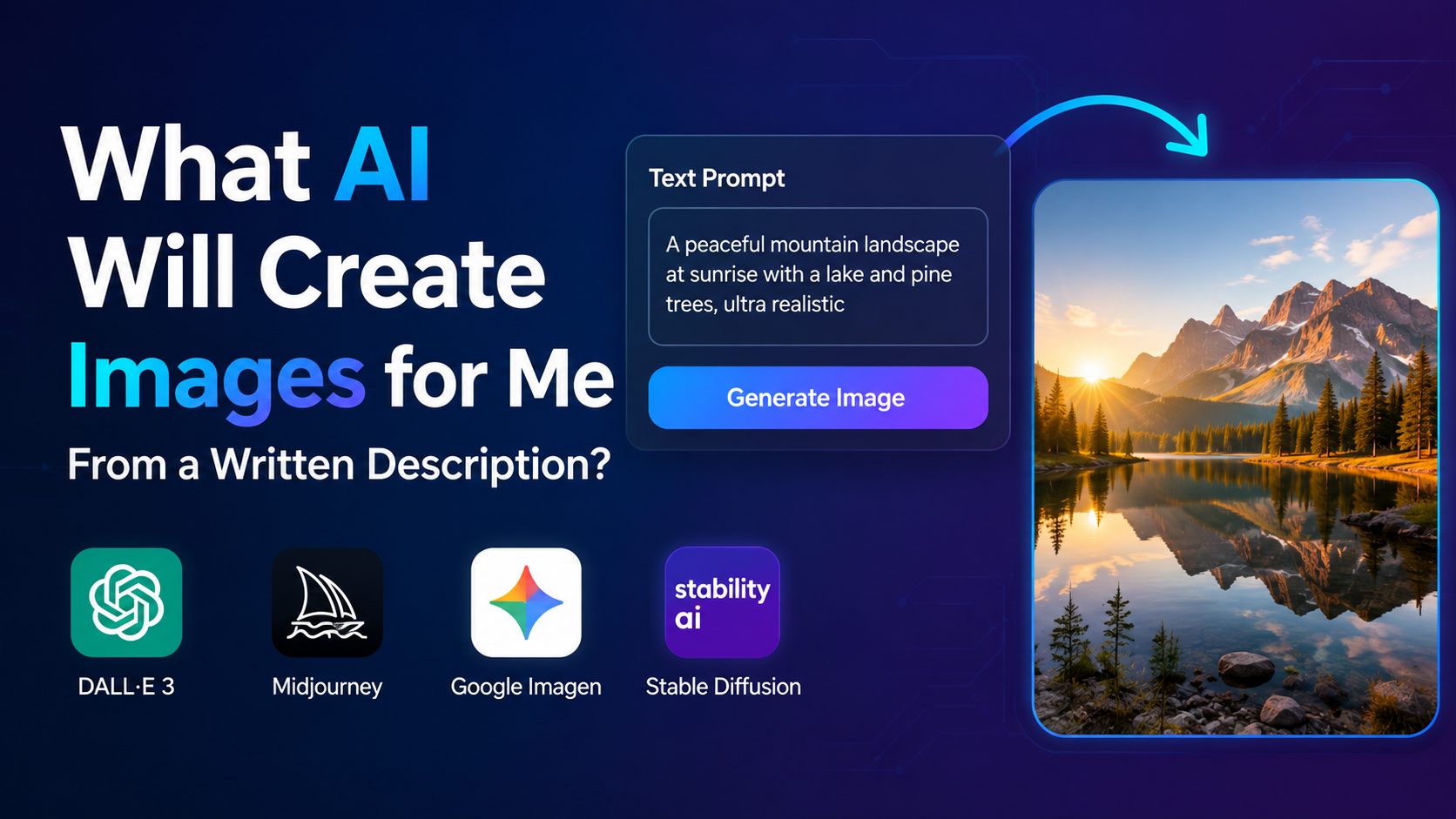
If you are asking, "What AI will create images for me from a written description?", you are looking for a text-to-image generator. These tools interpret a written prompt—such as "a realistic monsoon street in Mumbai at sunset"—and produce one or more original images.
Today, practical options include ChatGPT Images, Google Imagen through Gemini, Adobe Firefly, Microsoft Designer, Canva, and Midjourney. Each is suited to a different purpose: quick ideas, marketing designs, realistic images, brand work, or advanced artistic control.
This guide explains how text-to-image AI works, which tools to consider in India, how to write effective prompts, and what limitations you should understand before publishing or selling AI-generated visuals.
Key Takeaways
- ChatGPT Images can create and edit images from plain-language instructions on web, iOS and Android; availability and advanced features depend on the account tier. (OpenAI Help Center)
- Google's Imagen 4 is available through Gemini, Whisk and Google AI Studio, with improvements in realism, typography and up to 2K resolution. (Google DeepMind)
- Adobe Firefly converts text descriptions into image variations and offers style or sketch references; Adobe says its text-to-image model is trained on licensed and public-domain content. (Adobe Firefly)
- Microsoft Designer and Canva are useful when you need an image combined with a poster, presentation, social post or other layout.
- A strong prompt specifies the subject, setting, composition, style, lighting, aspect ratio and intended use.
- Always review generated images for incorrect text, distorted hands, cultural inaccuracies, privacy issues and intellectual-property risks.
What Is an AI Text-to-Image Generator?
A text-to-image generator is software that uses a machine-learning model to translate natural language into visual content. You describe what you want, and the system predicts shapes, colours, textures, lighting and composition that match the description.
For example:
"Editorial photograph of a woman entrepreneur in a bright Bengaluru co-working space, natural window light, laptop on the desk, warm professional colour palette, horizontal 16:9 composition."
The AI may return several alternatives. You can then refine the result by asking for a different camera angle, colour scheme, background, expression or image size.
Most current tools can also perform tasks beyond creating an image from scratch, including:
- Editing an uploaded image
- Removing or replacing a background
- Extending an image beyond its original borders
- Creating multiple variations
- Adding objects or changing colours
- Adapting an image for social-media formats
Which AI Will Create Images From Your Description?
The best choice depends on your goal, technical comfort and required workflow.
| Tool | Best for | Notable capabilities from official information |
|---|---|---|
| ChatGPT Images | Conversational creation and editing | Generates and edits images from instructions; can add text, details and transparent backgrounds. (OpenAI Help Center) |
| Google Imagen 4 | Realistic images and detailed styles | Available through Gemini, Whisk and Google AI Studio; supports diverse styles, improved text rendering and outputs up to 2K resolution. (Google DeepMind) |
| Adobe Firefly | Marketing and design workflows | Generates images from text, supports style and sketch references, and produces multiple variations. (Adobe Help) |
| Microsoft Designer | Posters, presentations and social graphics | Creates images from descriptions inside a design-oriented interface; Microsoft notes that generated text can still contain spelling or language errors. (Microsoft Support) |
| Canva AI Image Generator | Quick designs for small businesses and creators | Turns a prompt into an image while letting you select a style and aspect ratio; can also use a reference photo. (Canva) |
| Midjourney | Artistic exploration and advanced prompting | Its documentation describes prompts as text used to specify the image and supports image prompts for additional visual guidance. (Midjourney documentation) |
Features, usage limits and payment requirements can change. Check each provider's current terms and account page before committing to a paid plan. In India, also confirm whether your preferred payment method, language and export format are supported.
How to Create an Image From a Written Description
The process is similar across most platforms.
1. Choose the tool and open its image feature
Use the official website or app. Look for options such as Create image, Text to Image, Image Generator or Imagine. Avoid unofficial websites that ask you to upload confidential documents or personal photographs without clear privacy terms.
2. Describe the purpose first
Tell the AI what the image is for:
- "Create a LinkedIn banner for an Indian fintech startup."
- "Make a square product image for an online saree store."
- "Create a children's science worksheet illustration."
Purpose helps the model choose an appropriate composition and level of detail.
3. Add the main subject and context
State who or what should appear, where the scene takes place and what is happening. Include culturally relevant details when they matter:
"A street-food vendor preparing dosas at a clean evening market in Chennai, stainless-steel counter, customers in the background, documentary photography."
4. Specify visual direction
Useful descriptors include:
- Photorealistic, editorial, watercolour, 3D illustration or flat vector
- Soft morning light, dramatic studio lighting or overcast daylight
- Minimal, premium, playful or traditional colour palette
- Close-up, wide shot, overhead view or eye-level perspective
5. Set format and constraints
Mention the intended orientation:
- "Vertical 4:5 for Instagram"
- "Wide 16:9 for a presentation"
- "Square 1:1 with empty space on the left for headline text"
- "Transparent background, isolated object"
Not every tool obeys dimensions perfectly, so you may need to crop or resize the result in a design application.
6. Generate, evaluate and refine
Your first result is a draft. Give targeted feedback:
"Keep the same composition, but use a blue kurta, remove the extra person, make the sign blank, and leave more space above the subject."
Specific revisions usually work better than repeating the entire prompt with unrelated changes.
Prompt Examples for Indian Users
Business and marketing
"Premium product photograph of a handmade blue ceramic tea cup on a textured wooden table, subtle marigold flowers in the background, warm natural light, clean space on the right for product copy, 4:5 vertical composition."
Education
"Flat colourful illustration explaining the water cycle for Class 6 students in India, clear arrows, evaporation, condensation and precipitation labels, friendly classroom style, high contrast, landscape layout."
Travel and tourism
"Cinematic sunrise view of the Kerala backwaters, traditional houseboat in the foreground, coconut palms, calm reflections, realistic travel photography, no people, wide 16:9 frame."
Social media
"Modern festival greeting background inspired by Indian textiles, deep saffron, teal and cream palette, elegant geometric pattern, uncluttered centre area for adding Hindi text later, square format."
If you need precise Hindi, Tamil, Bengali or another Indian-language message, add the wording later in a design tool. Microsoft warns that AI-generated lettering may contain spelling or language errors, and image models can still struggle with small text. (Microsoft Support)
How to Get More Consistent Results
Use a reusable prompt structure
A practical template is:
Purpose + subject + action + setting + composition + style + lighting + colours + aspect ratio + restrictions
Example:
"Create a website hero image for an Indian organic-food brand: a basket of fresh vegetables on a kitchen counter, soft morning light, modest modern home interior, realistic editorial photography, earthy green and terracotta palette, wide 16:9 composition, no logos or readable text."
Change one variable at a time
If you alter the subject, style, lighting and composition simultaneously, it becomes difficult to identify what improved the output. Keep the successful parts of a prompt and modify only one or two details per iteration.
Use reference images carefully
Firefly supports reference images for layout or style guidance, Canva can use a reference photo, and Midjourney documents image prompts as an additional way to guide generation. (Adobe Help, Canva, Midjourney documentation)
Only upload images you own or have permission to use. Do not upload a customer's face, employee photograph or private document unless you have informed consent and understand the service's data policy.
Important Limitations and Safety Checks
AI-generated images are not automatically accurate. Google lists limitations involving complex compositions, small faces, thin structures, centred objects and nonsensical prompts. (Google DeepMind)
Before publishing, inspect:
- Hands, fingers, eyes and facial symmetry
- Product labels, numbers and logos
- Devanagari or other Indian-language text
- Jewellery, clothing and cultural details
- Reflections, shadows and object proportions
- Whether a person resembles a real individual
- Whether the image unintentionally copies a protected brand or character
Do not use generated visuals as evidence of a real event, person or news photograph without clear disclosure and independent verification. For medical, legal, financial or safety-related communication, have a qualified professional review the image and accompanying claims.
Copyright and commercial-use rules differ by provider and plan. Read the current licence and terms before using an image in advertising, packaging, client work or merchandise. Keep the original prompt, generation date and source tool in your records.
Google says Imagen uses SynthID, an invisible watermark designed to help identify AI-generated images. (Google DeepMind) Watermarking does not replace your responsibility to label content accurately or check rights.
Frequently Asked Questions
What is the simplest ai that will create images for me?
ChatGPT Images is convenient if you want to describe and revise an image in a conversation. Canva and Microsoft Designer may be easier when the final output is a poster, presentation or social-media design. Verify current access and limits in the official app before use.
Can I create images in Hindi or other Indian languages?
Many systems accept multilingual prompts, but quality varies by model and language. For exact wording, generate the visual without text and add the final Hindi, Tamil, Bengali or regional-language copy separately using a design editor.
Are AI-generated images free to use commercially in India?
Not automatically. Commercial rights depend on the provider's terms, your plan and the content you request. Review the current licence, avoid unauthorised logos or celebrity likenesses, and obtain permission for reference images.
Why does the image contain strange words or incorrect details?
Image models predict visual patterns and may render lettering incorrectly or misunderstand complex instructions. Use short, explicit prompts, request "no text," and add typography manually. Always proofread labels and verify visual details.
Can AI keep the same character across several images?
Consistency is possible but not guaranteed. Use the same character description, reference image and visual style each time. Some tools provide dedicated reference or character features; consult their current documentation for exact controls.
Conclusion
The best ai that will create images for me depends on what you need: ChatGPT for conversational creation and editing, Imagen for detailed visual realism, Firefly for design workflows, Designer or Canva for ready-to-publish layouts, and Midjourney for artistic experimentation.
Start with a clear description of the image's purpose, then add the subject, setting, style, composition and format. Generate several versions, refine one variable at a time, and inspect every result for errors, privacy concerns and licensing restrictions. With that workflow, text-to-image AI can help Indian students, creators, marketers and small businesses turn written ideas into useful visual assets quickly and responsibly.