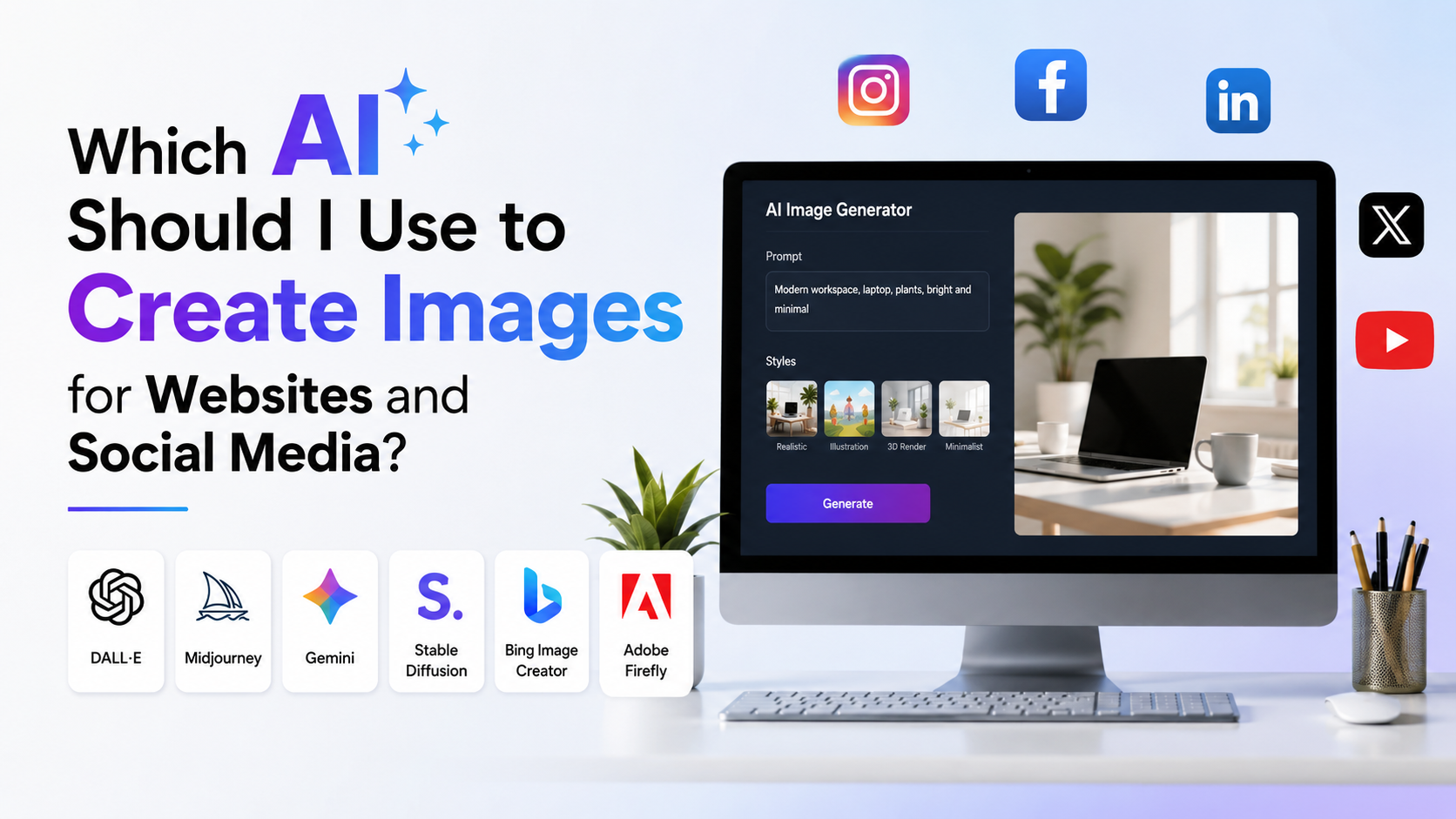

AI image tools can help creators, small businesses, agencies, and educators produce original social visuals without arranging a full photoshoot or relying on generic stock imagery. The best Websites for this task do more than generate an attractive picture: they let you refine the result, fit it into a post layout, preserve brand consistency, and export an asset that is ready to publish.
For Indian audiences, AI visuals can be especially useful for local campaigns, regional-language concepts, product explainers, festive creatives, restaurant promotions, and professional LinkedIn content. The key is to choose a tool that matches the job instead of expecting one generator to solve every creative need.
Key Takeaways
- Canva is a practical all-in-one choice when you need generation, design layouts, and post editing in one workspace.
- Adobe Firefly is worth considering for commercial projects that need Adobe's documented approach to commercially usable outputs.
- ChatGPT Images is useful for conversational prompting and iterative edits to an existing image.
- Ideogram is a strong option when the visual needs prominent, legible text such as a poster headline or sale message.
- Midjourney and Leonardo are better suited to creators who want more stylised visuals, image references, or advanced editing control.
- Always review generated text, people, products, logos, claims, and disclosures before publishing.
What Makes an AI Image Website Suitable for Social Media?
A good AI image platform should support the full journey from idea to post. Image quality matters, but social media work also needs the right composition, clear visual hierarchy, usable aspect ratios, and room for a caption or call to action.
Look for these capabilities:
- Image generation from text: Describe a scene, mood, product setting, or illustration style.
- Reference or image editing: Upload an existing product image, brand asset, or previous creative and refine it.
- Layout control: Create square, portrait, or landscape designs without awkward cropping.
- Text and branding tools: Add final headlines, prices, offers, fonts, and logos in a normal design editor rather than relying entirely on AI-generated lettering.
- Commercial-use clarity: Check the tool's terms and the status of the specific model or feature before using output in paid advertising.
- Privacy controls: Consider carefully before uploading customer photos, unpublished campaign material, or confidential product information.
The most efficient approach is often to generate the background or hero visual with AI, then add the exact marketing copy, logo, and legal text manually.
Best Websites to Create AI Images for Social Media Posts
Canva: Best for Fast, Design-Ready Posts
Canva Magic Media is well suited to people who want to move directly from an AI idea to a finished post. In Canva's editor, Magic Media can generate images from a description, let you choose a style, use a reference image, and select square, landscape, or portrait layouts.
This makes Canva particularly convenient for:
- Instagram post and carousel concepts
- LinkedIn announcement graphics
- Promotional creatives for small businesses
- Event posters and festive campaign templates
- Simple product-focused visuals that need a logo and text overlay
A café, for example, could generate a warm monsoon-themed illustration of a masala chai setting, then use Canva's standard design tools to add its name, location, price, and ordering details. Keep the promotional text editable; even capable image generators can make spelling or spacing errors.
Adobe Firefly: Best for Adobe-Centred Commercial Workflows
Adobe Firefly is a sensible option for teams already using Adobe Express, Photoshop, Illustrator, or other Adobe tools. It supports text-to-image creation and image modifications such as generative fill and expansion.
Adobe states that outputs from Firefly features not labelled beta may be used in commercial projects, while users should still review the applicable product terms and feature labels. Adobe also says Firefly models are trained using licensed content, public-domain content, and other permitted material. Its export workflow can apply Content Credentials, which communicate provenance information for supported exports.
Use Firefly when you need polished campaign assets that will continue into an Adobe design workflow, such as an ad banner, social graphic series, or visual concept for a product launch.
ChatGPT Images: Best for Conversational Creative Direction
ChatGPT Images is useful when your brief evolves through discussion. You can ask for a new image, upload a reference, describe the desired changes, and use the editor to target a specific area. OpenAI documents that users can create and edit images, add or remove details, create transparent backgrounds, and choose an aspect ratio.
This is helpful for a social-media manager who needs several revisions without rewriting a technical prompt from scratch. For example:
"Create a clean editorial illustration for a LinkedIn post about cyber-security training in India. Use navy and teal, leave negative space at the top for a headline, avoid visible logos and readable text."
Then refine it with a follow-up such as:
"Keep the layout, replace the laptop screen with an abstract shield icon, and make the background less busy."
Use the final image as a visual base, then add exact headline text in your preferred design tool.
Ideogram: Best for Posters, Headlines, and Typography-Led Creative
Ideogram is a useful choice for social posts where text is central to the design. Its documentation highlights text rendering, logos, posters, character reference, and an editing Canvas. The Canvas includes tools for generating, remixing, extending, filling selected areas, placing text, and downloading the result.
It can be helpful for:
- Festival greeting concepts
- Quote cards
- Sale announcement drafts
- YouTube thumbnail concepts
- Poster-style carousel covers
Even when using Ideogram, proofread every word before publication. For a time-bound offer, a product price, an address, a phone number, or a compliance disclaimer, use editable text in a design layer rather than leaving accuracy to generated pixels.
Midjourney: Best for Distinctive Art Direction
Midjourney's web Create page supports text prompts, image uploads, image prompts, style references, and character/object references. Its web editor also supports resizing, custom aspect ratios, layers, inpainting, pan, zoom-out, and downloadable results.
Choose Midjourney when visual direction is the main priority—for example, a premium fashion mood board, a dramatic travel visual, a cinematic restaurant campaign, or a distinctive illustration series. It is less of a ready-made post designer than Canva, so plan to finish the final composition elsewhere.
Before using a reference image, ensure that you own it or have permission to use it. A reference should guide a fresh visual direction, not become a shortcut for reproducing another creator's work.
Leonardo: Best for Campaign Variation and Brand Consistency
Leonardo offers text-to-image, image-to-image, image guidance, background removal, upscaling, and editing tools. Its social-media workflow is designed around post formats, image generation, refinement, and brand-aligned creative.


This is useful for a marketing team that needs several related assets: one hero visual for an Instagram post, variations for story placements, and a set of campaign images with similar lighting, colours, and subjects.
How to Choose Between These Websites
| Your main need | Suitable starting point | Why |
|---|---|---|
| Generate and finish a post quickly | Canva | AI generation and post design are in one place |
| Create commercial campaign assets in Adobe tools | Adobe Firefly | Fits Adobe creative workflows and documented commercial-use guidance |
| Revise an image through natural-language feedback | ChatGPT Images | Supports conversational generation and selective editing |
| Make poster-like visuals with prominent words | Ideogram | Focuses on typography-led image generation and Canvas editing |
| Create highly stylised or cinematic visuals | Midjourney | Offers deep creative controls, references, and an editor |
| Build several coordinated visual variations | Leonardo | Provides guidance, editing, and consistency-oriented tools |
Do not select a tool solely because it is popular. Run one short test brief in two or three Websites and compare the outputs against your actual needs: brand fit, editable space, realistic hands and products, text accuracy, and time needed to finish the design.
A Reliable Workflow for Creating Social Media Images
1. Start With One Clear Content Objective
Write down the goal before generating anything:
- Announce a new service
- Explain a business idea
- Promote an offer
- Build awareness around an event
- Create an educational carousel cover
- Support a short-form video with a thumbnail
A visual for an investment-awareness post should feel clear and trustworthy. A festive food promotion can be brighter and more expressive. The objective determines the style, composition, and call to action.
2. Write a Structured Prompt
Use this formula:
Subject + setting + audience context + visual style + composition + colours + exclusions
Example:
"A modern Indian small-business owner packing handcrafted skincare products in a bright studio, realistic editorial photography, warm beige and sage palette, vertical composition, clear empty space at the top for a headline, no logos, no readable text, no watermark."
Include practical constraints. Ask for "space for headline" or "product placed on the right" instead of trying to fix a cramped image later.
3. Generate Options, Then Select Deliberately
Generate multiple options and assess them against a checklist:
- Is the central subject immediately clear?
- Is the composition suitable for the intended platform?
- Does it leave safe space for UI elements and text?
- Are faces, hands, packaging, and background details believable?
- Does it match the business's existing visual identity?
Do not publish the first attractive output. Pick the image that serves the message most clearly.
4. Finish the Post in an Editor
Add the brand logo, exact copy, product details, and call to action manually. Use a readable font and sufficient contrast. For multilingual Indian campaigns, have a fluent speaker review Hindi, Tamil, Bengali, Marathi, Telugu, or any other language before publishing.
5. Check the Published Preview
Preview the post in the platform's own publishing interface before going live. Interface overlays and crop behaviour can change, so the current upload preview is more reliable than memorising static image dimensions.
Common Mistakes to Avoid
Avoid using AI images as factual evidence. An AI-generated photo of a product, place, customer, award, or event can mislead audiences if it appears to document something real.
Other frequent mistakes include:
- Including invented claims, certifications, prices, or statistics inside the image
- Using a recognisable person's likeness without permission
- Publishing AI-generated packaging or product details that do not match the actual item
- Crowding a post with tiny text that becomes unreadable on mobile
- Reusing the same visual style so often that every campaign looks identical
- Forgetting to review platform rules and the generator's current terms before running paid ads
For sponsored content in India, ASCI's Influencer Guidelines state that advertisements posted by social-media influencers or their representatives should carry a disclosure label that clearly identifies them as advertisements. On Instagram, branded content requires the platform's paid partnership label in the situations covered by Meta's policy. Review Instagram's official guidance when posting a paid, gifted, or affiliate promotion.
AI disclosure is separate from advertising disclosure. If a realistic synthetic visual could make viewers believe a real person, event, or place is genuine, add clear context and check the relevant platform's current policies.
Frequently Asked Questions
Which website is easiest for beginners creating social-media images?
Canva is often the easiest starting point because generation, templates, text editing, and export are available in the same design environment. It is especially practical when the goal is a finished post rather than a standalone artwork.
Can I use AI-generated images for business social-media posts?
Often, yes, but check the terms of the specific tool and feature you use. Adobe, for example, provides commercial-use guidance for Firefly outputs, while each platform and plan can have different conditions. Also ensure that your use does not infringe third-party rights or misrepresent a real person, product, or event.
Should I put text directly into an AI image prompt?
You can, especially with a tool such as Ideogram, but treat generated text as a draft. Add essential details—prices, discount codes, dates, legal disclaimers, product names, and contact information—in a normal editable text layer.
Can I upload a customer or influencer photo to an AI generator?
Only if you have the necessary permission and a legitimate reason to use it. Be cautious with personal data, client material, children's images, and private brand assets. Read the tool's current privacy and data-use terms before uploading sensitive material.
How can I make AI images look less generic?
Use specific creative direction: location cues, lighting, colour palette, camera angle, wardrobe, composition, and negative instructions. Then create a reusable brand brief so each campaign reflects the same visual values without becoming repetitive.
Conclusion
The best Websites for creating AI images for social media depend on the work you need to finish. Canva is highly practical for ready-to-publish designs; Adobe Firefly fits Adobe-based commercial workflows; ChatGPT Images simplifies iterative creative direction; Ideogram helps with typography-led concepts; Midjourney provides distinctive art direction; and Leonardo supports varied, brand-consistent campaign assets.
Choose one platform, test it with a real content brief, and build a repeatable process: generate the visual, verify every visible detail, add editable brand copy, and review the final post in the platform before publishing.