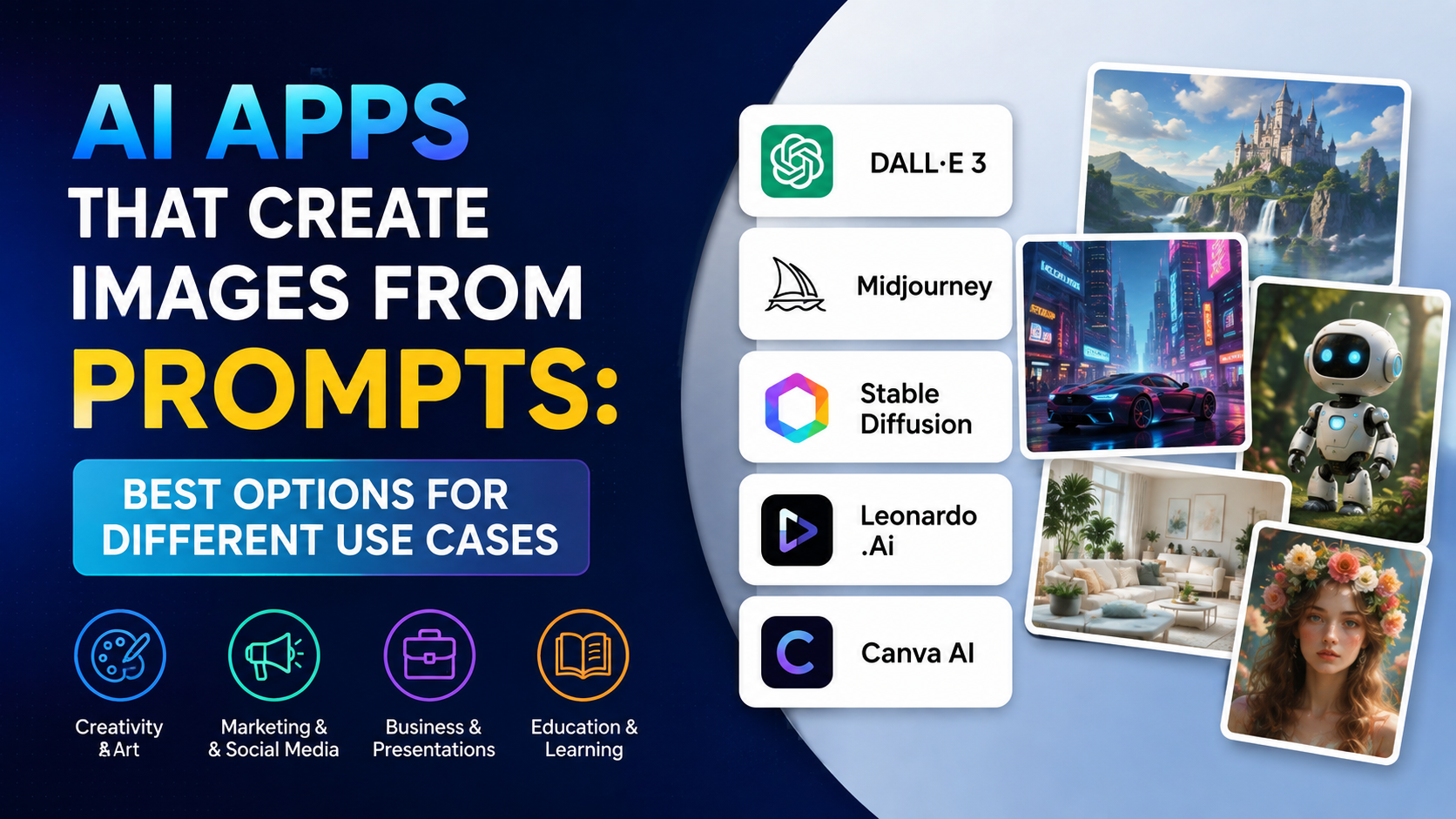
Yes—several AI tools can create images for free even if you have never used Photoshop, Canva, or any design software. For most beginners in India, the best starting point is ChatGPT or Google Gemini: you can describe the visual in plain language, ask for changes conversationally, and download a result without learning a design interface.
The right ai image generator free option depends on what you want to make. ChatGPT is strong for back-and-forth refinement, Gemini is useful for generating and editing from a simple prompt, Adobe Firefly offers a creative workspace with free daily generations, and Canva helps turn an image into a finished social-media post or presentation.
Key Takeaways
- ChatGPT, Gemini, Adobe Firefly, and Canva each offer image-generation access without requiring design experience.
- "Free" usually means usage is limited; limits, credits, and available features can change.
- Start with a detailed prompt that states the subject, setting, style, lighting, composition, and size.
- Use AI images as a first draft, then inspect text, faces, logos, and factual details before publishing.
- Do not upload private documents, confidential client material, or images of people without appropriate permission.
- For business use, read the platform's current terms and your client or marketplace requirements before publishing.
The Short Answer: Which Free AI Image Generator Should You Use?
For a complete beginner, choose based on the task rather than the model name.
| Your goal | Best place to start | Why it suits beginners |
|---|---|---|
| Create an image and refine it by chatting | ChatGPT Images | You can ask for an image, then request specific changes in the same conversation. |
| Create or edit visuals with a Google account | Gemini Apps | Straightforward prompt-based generation and image editing. |
| Experiment with a creator-focused AI workspace | Adobe Firefly | Includes free daily generations and image-creation tools. |
| Put an AI image into a post, flyer, or presentation | Canva Magic Media | Combines text-to-image creation with templates, text, and layouts. |
| Make a quick design with Microsoft tools | Microsoft Designer | Provides AI-assisted image generation and design suggestions. |
If you want one answer, begin with ChatGPT for conversational creation or Gemini if you already work mostly with Google services. Both let you focus on describing the result instead of learning technical controls.
What "Free" Actually Means for AI Image Generators
A free tool is not necessarily unlimited. This is the most important point to understand before selecting an AI image generator free plan.
Free access can involve:
- A limited number of generations in a period.
- Separate limits for image creation, editing, uploads, or higher-quality outputs.
- Features that vary by account, country, app version, or age.
- A temporary wait after you reach a limit.
- Paid-only access to some advanced models, resolutions, or creative controls.
For example, OpenAI states that ChatGPT's Free tier can create images, but image generation has its own usage limits and the service notifies users when a limit is reached. ChatGPT Images is available across ChatGPT tiers, while higher-usage or specialised features may differ by plan.
Adobe states that Firefly's free plan provides limited daily generations, with the limits refreshing daily. Adobe Firefly plans also make clear that paid plans provide different levels of credits and access.
Therefore, avoid articles that promise an "unlimited free AI image generator" unless the provider's own current pricing page explicitly confirms that exact condition.
How to Create Your First AI Image Without Design Skills
The process is almost identical across beginner-friendly tools.
1. Start with a specific purpose
Do not begin with "make a nice image." Decide where the image will appear:
- Instagram post for a local bakery
- YouTube thumbnail concept
- School presentation cover
- Product mood board
- Blog header
- Festival greeting
- Illustration for a pitch deck
Purpose determines the image shape, subject, and visual style.
2. Describe the scene in plain language
Use this prompt structure:
Create a [type of image] of [main subject], in [setting], with [style], [lighting/colour], [composition], in [aspect ratio].
For example:
Create a warm editorial photograph of a small independent coffee shop in Bengaluru on a rainy evening, customers working near large windows, soft amber lighting, realistic photography, clean composition with empty space at the top for a headline, landscape 16:9.
This prompt tells the model what to create, where it happens, what it should feel like, and how it will be used.
3. Generate, then improve one thing at a time
Your first result is a draft. Use a short follow-up instruction such as:
- "Make the lighting brighter and more natural."
- "Remove the people in the background."
- "Use a vertical 4:5 composition for Instagram."
- "Make it an illustrated style instead of a photo."
- "Leave more empty space on the left for text."
- "Replace the city skyline with a coastal Kerala setting."
ChatGPT supports creating and editing images in a conversation, including selecting an area for a more targeted change. OpenAI's image guide explains these editing options.
4. Download and check the result
Before using it, zoom in and inspect:
- Spelling on signs, packaging, and labels
- Hands, jewellery, eyes, and faces
- Brand names and logos
- Product claims, charts, or maps
- Whether the picture accidentally resembles a real person or copyrighted character
AI can produce convincing visuals while still getting small but important details wrong.
The Best Beginner Prompts for Indian Use Cases
Design experience matters less than clear instructions. Add location, climate, architecture, attire, colour, and audience context where relevant—but avoid reducing people or cultures to stereotypes.
Social-media graphic background
Create a clean, modern background for an Instagram post promoting a sustainable skincare brand in India. Soft beige and botanical green palette, minimal leaves and natural textures, premium editorial style, no text, vertical 4:5.
Local-business visual
Create a realistic food photograph of masala dosa served on a banana leaf in a bright South Indian café, morning natural light, appetising composition, no logos, square format.
Student presentation image


Create a simple flat-vector illustration explaining rainwater harvesting in an Indian urban home, rooftop collection pipes, storage tank, clear visual flow, blue and green palette, landscape 16:9, no labels.
Festival campaign concept
Create an elegant Diwali greeting-card background with diyas, marigold flowers, subtle gold patterns, deep navy background, generous blank area in the centre for custom text, premium style, vertical 4:5.
Product mock-up concept
Create a studio product photograph of an unbranded reusable steel water bottle on a pale stone surface, soft shadow, minimal eco-friendly aesthetic, square format, no text or logos.
For graphics containing important words, create the artwork without text first. Add the final Hindi, English, Tamil, Bengali, Marathi, or other copy in Canva, PowerPoint, or another editor. This gives you better control over spelling, readability, and brand fonts.
Comparing ChatGPT, Gemini, Firefly, Canva, and Designer
ChatGPT Images
ChatGPT is particularly helpful when you do not know the right design vocabulary. You can start with a rough request, view the output, and explain the improvement you want in everyday language. OpenAI says its image experience can create new images, edit existing images, support different aspect ratios, and save generated images for later access. ChatGPT Images
Use it when your work needs iteration: thumbnails, conceptual illustrations, marketing directions, visual storytelling, or edits to an image you upload.
Google Gemini
Gemini lets users generate images from prompts and edit generated or uploaded images. Google's guidance recommends including the visual style and detailed information about the subject, action, and background. It also notes that access depends on supported countries and languages, and that work or school accounts can have different availability. Gemini image generation help
Use it for quick concept images, variations, and image editing if you already use a personal Google account.
Adobe Firefly
Firefly is useful for users who want a more creator-oriented environment without starting in a complex professional design application. Adobe currently describes a free plan with limited daily generations across image, video, and audio features. Adobe Firefly features
Use it when you want to explore styles, create visual assets, or move into Adobe's wider creative tools later.
Canva Magic Media
Canva is less about generating a standalone image and more about finishing a usable design. Its Magic Media feature can generate images from descriptions, lets users choose styles, and can work with a reference image. Canva's Magic Media guide shows how to access it from the editor.
Use it for posters, invitations, carousels, presentation slides, and social-media designs that require text and layout.
Microsoft Designer
Microsoft Designer is a practical option for users who want AI-generated images alongside easy layout suggestions. Microsoft describes prompts, templates, image editing, and options to download or refine the generated result. Microsoft Designer support
Use it for simple promotional designs, invitations, and quick assets for Microsoft 365 workflows.
Important Limitations and Safe-Use Rules
AI image tools remove the need for design skills; they do not remove the need for judgement.
Do not treat generated images as factual evidence
Do not use an AI-generated image to show a real news event, medical outcome, legal situation, public figure, product test, or historical moment as though it were a genuine photograph. If a visual is illustrative, label it appropriately when context requires it.
Be careful with people and identity
Avoid creating misleading images of real people, particularly public figures, colleagues, customers, students, or family members. Get permission before using someone's photo as an upload or reference image.
Avoid private and confidential uploads
Do not upload Aadhaar details, PAN information, bank records, client documents, medical reports, internal business material, or private family photos unless you fully understand the service settings and have authority to share them.
Check commercial requirements yourself
A generated image may still create business risk if it includes a recognisable logo, a close resemblance to protected characters, or misleading packaging. For client work, advertisements, marketplace listings, or paid campaigns, review the provider's current terms and your platform's advertising policies before publishing.
Expect content filters
These services have restrictions intended to prevent harmful, abusive, or unsafe outputs. A rejected prompt does not necessarily mean you used the tool incorrectly; revise the request toward a legitimate, non-deceptive use.
Frequently Asked Questions
Is there an ai image generator free with no sign-up?
Availability changes by provider and region. Some services may let you explore limited features before sign-in, but generating, saving, editing, or accessing free allowances often requires an account. For reliable ongoing use, expect to sign in with a personal account.
Which free AI image generator is easiest for beginners?
ChatGPT is often the easiest when you prefer conversation: describe the image, then ask for changes naturally. Canva is easiest when the final output must include text, branding, and layout. Gemini is a simple alternative for people already comfortable with Google services.
Can I create AI images in Indian languages?
You can write prompts in the language supported by your chosen tool, but image models can still make mistakes with text rendered inside images. For critical wording, generate the visual without text and add the final copy manually in a design editor.
Are free AI-generated images safe to use for a business?
They can be useful starting points, but "free to generate" is not a blanket guarantee for every commercial situation. Inspect the image, avoid third-party logos and protected characters, review the platform terms, and ensure the final advertisement does not make misleading claims.
Why does an AI image generator give strange hands or incorrect text?
The model is predicting an image from patterns rather than understanding the scene as a human designer would. Complex anatomy, dense text, logos, diagrams, maps, and exact product details need careful review. Generate alternatives, request a simpler composition, or finish those details manually.
Conclusion
The best ai image generator free option for a beginner is the one that matches the final task. Use ChatGPT for conversational creation and revisions, Gemini for accessible prompt-based generation and edits, Firefly for a creative AI workspace, Canva for finished layouts, and Microsoft Designer for quick design assistance.
Start with one clear use case, write a detailed prompt, improve the result in small steps, and review every output before sharing it. That simple workflow can turn an idea into a useful visual without requiring formal design experience.