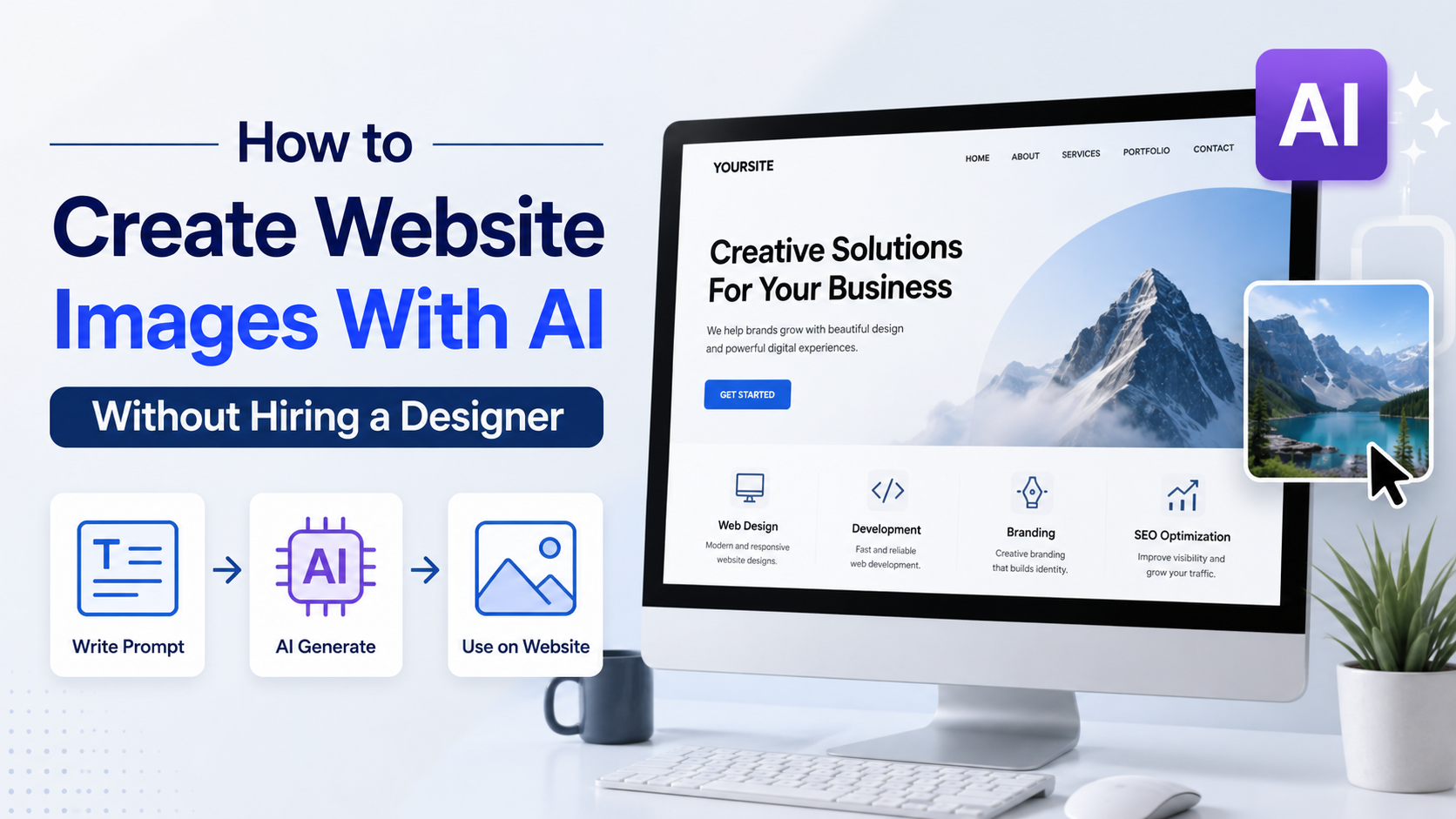
Strong website visuals no longer require a full-time designer for every banner, product scene or blog illustration. With modern AI image tools, founders, marketers and small business owners can produce useful visual assets quickly—provided they use a clear brief, review every output and prepare images properly for the web.
This guide explains how to create ai images for websites that feel consistent with your brand, support your page's purpose and work for an Indian audience. You will learn what to create, how to prompt, how to edit and optimise files, and where AI should not replace human judgement.
Key Takeaways
- Start with the page goal and image placement before writing an AI prompt.
- Give the model a concise visual brief: subject, composition, brand style, audience and exclusions.
- Use AI for concepts and production, but inspect images for distorted details, inaccurate text and misleading claims.
- Export responsive, compressed images in suitable formats and write meaningful alt text.
- Treat platform terms, third-party logos, people and product claims carefully before publishing commercially.
- Build a reusable prompt and style system so every page does not look visually unrelated.
Decide What the Image Needs to Do
An attractive image is not automatically a useful website image. Before generating anything, identify the page's job and the action you want the visitor to take.
For example, a homepage hero for an accounting firm needs room for a headline and a reassuring visual treatment. A blog header needs a relevant focal point that still works when cropped in listings. A product landing page needs to clarify the offer, not merely decorate the layout.
Common website image types include:
| Page element | Best visual purpose | Practical AI approach |
|---|---|---|
| Homepage hero | Establish the offer and mood | Generate a wide composition with intentional empty space for copy |
| Service-page banner | Make an abstract service easier to understand | Use a simple scene, object or editorial illustration |
| Blog featured image | Signal the article topic in search and social previews | Create a clean landscape image with one dominant idea |
| Product backdrop | Provide context without distracting from the product | Generate a neutral setting, then place the real product image separately |
| Feature section | Support a short benefit statement | Use a consistent set of simple illustrations or close-up details |
| Local campaign visual | Make the message culturally relevant | Specify location cues, clothing, language context and audience carefully |
Write a one-sentence creative brief before opening a tool:
"Create a wide website hero that makes online tax filing feel straightforward for first-time salaried professionals in India, with calm colours and clear space on the left for a heading."
This brief keeps the output tied to conversion and layout, rather than producing a random attractive image.
Choose an AI Image Tool for the Workflow, Not the Hype
The best tool depends on whether you need a quick concept, image editing, repeatable production or deep integration with an existing design workflow. Do not choose a platform solely because it generates highly detailed art.
Look for these capabilities:
- Text-to-image generation for creating a scene from a written prompt.
- Image-to-image or reference-image support for preserving an established visual direction.
- Editing or inpainting for changing one area instead of regenerating everything.
- Reliable aspect-ratio options for desktop, mobile, cards and social previews.
- Clear commercial-use terms appropriate to your organisation's use case.
- A workflow for saving, downloading and naming approved assets.
Some current platforms also include content credentials or provenance metadata. For example, OpenAI states that images from its GPT Image API include C2PA metadata, while Adobe's Firefly FAQ says non-beta Firefly outputs may be used in commercial projects, subject to applicable terms. Review the relevant product terms before relying on any platform for paid campaigns or client work: OpenAI image generation overview and Adobe Firefly FAQ.
For a small website, a browser-based tool may be enough. For an ecommerce catalogue, marketplace or SaaS product that needs many controlled variations, an API or a design system may be more efficient. Avoid building your brand around a single experimental feature; availability, output quality and usage limits can change.
Create a Brand Brief Before You Generate
AI can create variation rapidly. Without constraints, that variation becomes visual inconsistency: different lighting, illustration styles, colours and people on every page.
Create a compact brand-image brief containing:
- Colour direction: primary colour, neutral background and accent colours.
- Style: editorial photography, clean 3D, flat illustration, soft gradient, hand-drawn, or another specific approach.
- Tone: premium, practical, friendly, technical, youthful or restrained.
- Audience: who appears in the scene and what context feels authentic to them.
- Composition rules: amount of whitespace, camera angle, background complexity and preferred crops.
- Avoid list: stock-photo clichés, unreadable text, excessive effects, competitor-like visual cues and sensitive stereotypes.
For Indian businesses, local relevance is often more valuable than inserting superficial cultural symbols. If the visual is about a Bengaluru SaaS team, a Mumbai home bakery or a Hindi-language learning service, describe the real setting, customer task and wardrobe context. Do not assume an AI-generated signboard, document, currency note or UI screen is accurate enough to publish.
Save two or three approved reference images and reuse the same style language across prompts. This produces a more credible site than asking for a different "creative" style on each page.
Write Prompts That Produce Usable Web Layouts
A good prompt is a design brief, not a string of adjectives. It tells the model what must appear, how the image should be arranged and what must not be included.
Use this structure:
`text
[Image type and ratio] of [main subject] in [setting].
[Composition and camera direction].
[Brand mood, colour palette and style].
Designed for [audience or business context].
Leave [left/right/top] negative space for website headline.
Avoid [unwanted elements].
`
Example: SaaS homepage hero
`text
Wide 16:9 editorial illustration of a small business owner reviewing a simple sales dashboard on a laptop in a bright Indian workspace. Subject positioned on the right, generous clean negative space on the left for a website headline. Calm navy, teal and warm off-white palette, modern minimal style, soft natural light. Avoid readable text, logos, watermarks and clutter.
`
Example: Blog header
`text
Landscape featured image for an article about protecting customer data. A close-up of a secure digital workspace with abstract lock and data-flow elements, realistic but understated, deep blue and violet palette, one clear focal point, no text, no brand marks, no tiny interface labels.
`
Improve outputs with short revision prompts


The first result is a draft. Instead of rewriting the entire prompt, request one targeted change:
- "Move the subject farther right and increase blank space on the left."
- "Simplify the background so it remains clear at mobile size."
- "Use softer lighting and remove the extra people."
- "Keep the composition, but make the palette closer to these brand colours: …"
- "Remove all text-like marks and logos."
Generate several variations, choose one that supports the page, then edit it. Do not keep regenerating solely in search of an image that needs no review.
Handle Text, Logos and Real Products Carefully
AI-generated text can be unreliable, even when it appears convincing at first glance. Use your website's actual HTML or a design editor for headlines, prices, feature labels, offer terms and calls to action. This improves accessibility, responsiveness and SEO while reducing the risk of visual errors.
Similarly, do not ask an AI generator to recreate:
- A third party's logo, trademark or distinctive packaging.
- Government certificates, financial documents, identity cards or official seals.
- A real person's likeness without appropriate permission.
- Product claims that your business cannot substantiate.
- Screenshots of software features that do not exist.
For product pages, use authentic product photography whenever accurate colour, material, dimensions or functionality matters. AI can create the surrounding lifestyle scene or background, but it should not silently substitute the product itself.
Keep source files, prompts and final exports in an organised folder. If a question arises later, this record helps your team understand how the asset was made and why it was approved.
Optimise AI Images for Speed, SEO and Accessibility
A beautiful image that delays page loading can harm the experience it was meant to improve. Optimisation is a publishing step, not an afterthought.
Prepare the right file
Use the smallest dimensions that still look sharp in their displayed location. A full-width desktop hero may need a larger source than a three-column feature card. Create separate crops for mobile when the desktop composition hides the focal point on a narrow screen.
Use modern web-friendly formats where your site stack supports them:
- AVIF: often provides efficient compression for photographic or complex images.
- WebP: widely used for compressed website images.
- SVG: appropriate for genuine vector icons and simple illustrations, not a bitmap AI image exported under a different name.
- PNG: useful when transparency is necessary, but often larger.
- JPEG: still useful for broad compatibility, especially where modern format delivery is unavailable.
Compress assets, use responsive image sizes and enable lazy loading for below-the-fold images. Do not lazy-load the main above-the-fold hero if it delays the visitor's first view.
Write alt text for meaning, not keywords
Alt text should describe the useful content or function of the image. It is not a place to repeat "ai images for websites."
Weak alt text:
`text
AI image for website business India
`
Useful alt text:
`text
Small business owner reviewing sales data on a laptop in a bright office
`
If an image is purely decorative and conveys no information, it can use an empty alt attribute so assistive technology does not announce irrelevant content. Ensure text over images has sufficient contrast and remains readable on mobile.
Use a Simple Quality-Control Checklist
Before publishing, review the asset at its real website size—not just full screen in the AI tool.
Check the following:
- Does it support the page message and leave enough room for copy?
- Does it look credible when viewed on desktop and mobile?
- Are hands, faces, objects, reflections and backgrounds free of obvious errors?
- Is any text accurate, or has it been replaced with real HTML text?
- Are there accidental logos, watermark-like marks or misleading symbols?
- Does the scene represent people and places respectfully?
- Is the product, statistic or claim shown in the image genuinely accurate?
- Is the file compressed, correctly cropped and accompanied by suitable alt text?
Ask someone who did not write the prompt to review customer-facing visuals. A fresh reviewer often catches awkward anatomy, confusing context or unintended implications faster than the person who generated the image.
Build a Repeatable AI Image Production System
The fastest workflow is not "generate an image whenever a page needs one." It is a lightweight system your marketing or content team can repeat.
- Add an image brief to every page or content request.
- Select the approved visual style and aspect ratio.
- Generate multiple candidates from a standard prompt template.
- Choose the strongest composition, then make focused edits.
- Add human-created copy, interface elements or verified product details.
- Export responsive files, optimise them and add alt text.
- Record the prompt, source tool, approval status and final file name.
A simple spreadsheet or content-management checklist is enough. Over time, save prompts that consistently work for your brand. You will reduce rework and avoid a website where every visual has a different personality.
Frequently Asked Questions
Can I use AI-generated images commercially on my website?
Potentially, but the answer depends on the specific tool's current terms, your plan and how you use the output. Review the provider's commercial-use terms before publishing. You should also avoid infringing logos, recognisable third-party designs, unlicensed reference images and deceptive depictions. Platform permission does not remove the need for your own legal and brand review.
Are AI images good for ecommerce product pages?
They are useful for lifestyle backdrops, concept visuals and supporting content. However, use real photographs or accurate renders when customers need to judge the actual product's colour, material, fit, size or included features. Misrepresentative imagery can damage trust and increase returns.
Should I put text inside an AI-generated image?
Usually no. Place important copy in HTML over or beside the image. It is easier to update, responsive on different devices, accessible to screen readers and visible to search engines. Use AI imagery as the visual layer, not as a replacement for page content.
How many AI images should a website use?
Use only the images that clarify, persuade or guide attention. One relevant hero image and a few purposeful supporting visuals are generally stronger than filling every section with decorative artwork. Consistency and page speed matter more than quantity.
How can I make AI visuals look less generic?
Provide a real brand brief, specify the intended audience and setting, leave room for your layout, and use the same colour and composition rules repeatedly. Then edit the chosen output. Generic results usually come from vague prompts such as "modern business team, beautiful, high quality."
Conclusion
AI makes it practical to create website visuals without hiring a designer for every asset, but the best results come from disciplined direction rather than one-click generation. Start with the page goal, use a repeatable brand brief, write composition-aware prompts, keep important text and claims out of the generated image, and optimise every final file for the web.
Choose one important page on your website, create a focused image brief, generate a small set of options and publish only the version that passes a careful quality check. That process will produce more useful ai images for websites than chasing endless variations.